
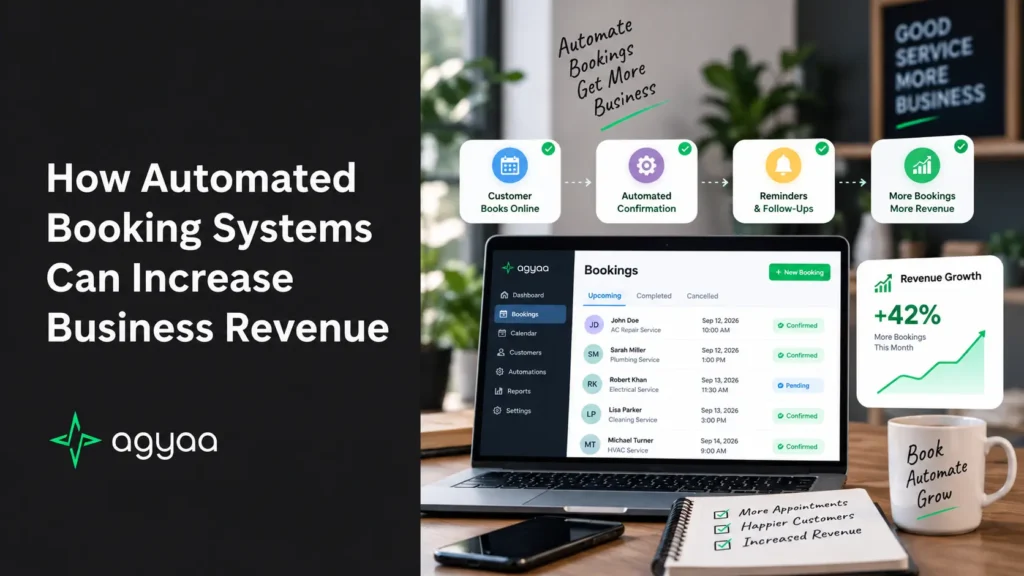
In the modern service economy, speed, convenience, and availability dictate market dominance. Whether you run an HVAC company, a medical spa, a law firm, a dental practice, or a high-end salon, your scheduling infrastructure is either a continuous revenue engine or a major operational bottleneck.
For decades, service businesses relied on manual scheduling: phone calls during office hours, back-and-forth emails, voicemail ping-pong, and physical paper calendars. Today, that model is actively leaking profit. Modern consumers do not want to wait until 9:00 AM on Monday to book an appointment; they want immediate, friction-free resolution at the exact moment they experience a need.
Adopting an automated booking system isn’t just about administrative convenience—it is a core growth strategy. Industry data shows that service businesses transitioning to automated scheduling experience an average revenue increase of 27% to 37%, with some high-volume operators doubling their intake within six months.
Here is an in-depth breakdown of the financial drivers behind automated booking and how implementing this technology turns administrative overhead into direct, predictable revenue.
1. Capturing the 40% After-Hours Booking Window
The traditional 9-to-5 operating model operates on a flawed assumption: that clients suffer problems and seek solutions only during standard business hours.
Consumer scheduling analytics reveal that 35% to 40% of all service appointments are booked outside standard operating hours.
TRADITIONAL MANUAL MODEL:
After-Hours Discovery ──> Forced to Call Later ──> Forgets / Finds Competitor ──> Permanent Revenue Loss

AUTOMATED BOOKING MODEL:
After-Hours Discovery ──> Self-Service Booking ──> Real-Time Calendar Lock ──> Guaranteed Revenue Captured
When a homeowner notices an AC issue at 8:30 PM, or a busy professional decides to book a dental checkup at 10:00 PM, they browse options on their smartphones. If your website or local search profile requires them to “Call tomorrow during business hours,” over 80% will bounce back to search results and choose a competitor offering instant online scheduling.
An automated booking system operates as a 24/7/365 sales portal. It enables your business to capture high-intent leads, lock in firm appointments, and process upfront payments while your physical doors are closed and your staff is asleep.
2. Slashing No-Shows and Late Cancellations
An empty time slot caused by a last-minute ghosting or forgotten appointment is the worst kind of operational loss. The labor cost is already allocated, the overhead is active, but the billable income drops to zero. Across the healthcare, wellness, and field service sectors, appointment no-shows average between 15% and 30%, representing tens of thousands of dollars in annual revenue leakage.
Automated booking software addresses this problem directly through multi-channel notification workflows and structured financial commitments.
Automated Multi-Touch SMS & Email Reminders
Manual reminder calls are tedious, time-consuming, and frequently ignored. Automated systems trigger dynamic, scheduled reminder sequences (e.g., 72 hours, 24 hours, and 2 hours prior to the appointment) via text message and email.
- 1-Click Confirmations: Clients confirm or request a reschedule directly from their text messaging app.
- Measurable Impact: Automated SMS reminder sequences cut appointment no-show rates by 38% to 60%.
Pre-Payments, Deposits, and Card-on-File Policies
An automated system allows you to enforce custom financial rules before a booking is confirmed:
- Mandatory Upfront Deposits: Collecting a $25–$100 deposit at the time of booking establishes immediate client buy-in.
- Cancellation Fee Guarantees: Securing a credit card on file during the online scheduling flow protects your baseline revenue against sudden ghosting.
3. Systematic Upselling and Higher Average Order Value (AOV)
When human staff handle bookings over the phone, upselling add-on services is inconsistent. Staff members may feel rushed, forget to mention secondary treatments or upgrades, or feel uncomfortable pitching extra options.
Automated booking platforms turn upselling into a frictionless, standardized visual step in the checkout flow.
┌─────────────────────────────────────────────────────────────────┐
│                    ONLINE BOOKING CHECKOUT                      │
└─────────────────────────────────────────────────────────────────┘
                                │
                                ▼
         Base Selection: Standard Diagnostic / Cleaning ($150)
                                │
                                ▼
         [ DYNAMIC AUTOMATED ADD-ON PROMPTS ]
         ├─ Add Premium Air Filter Upgrade? (+$45)
         ├─ Add Duct Inspection & Sanitization? (+$85)
         └─ Add Annual Maintenance Membership? (+$199/yr)
                                │
                                ▼
         Result: Average Order Value Increases by 20% to 30%
Because customers choose add-on options at their own pace without feeling pressured by a phone agent, conversion rates on supplementary services skyrocket:
- Salons & Spas: “Add a scalp treatment or deep-conditioning mask for $30?”
- Auto Service: “Add headlight restoration or cabin filter replacement for $45?”
- Home Services: “Add a whole-home electrical safety inspection for $75?”
Consistently presenting relevant upgrades during the self-service flow raises your baseline Average Order Value (AOV) across every single booked slot.
4. Eliminating Administrative Labor Overhead
Manual scheduling is a massive hidden expense. Between answering initial inquiries, checking calendar availability, negotiating times, collecting intake information, manually entering details into a CRM, and sending reminder emails, staff members spend an average of 8 to 15 minutes per appointment on scheduling administration.
For a business booking 300 appointments a month, that equals 40 to 75 hours of wasted administrative time every single month.
| Operational Metric | Manual Phone Scheduling | Automated Booking System |
| Booking Duration | 5–10 minutes per call | Under 60 seconds (Self-Service) |
| Human Error Rate | Moderate (Double-bookings, misspellings) | Near Zero (Deterministic API sync) |
| Staff Focus | Interrupt-driven phone duty | High-touch client service & billable work |
| Data Collection | Manual CRM entry | Instant structured database sync |
| Scaling Cost | Hire more front-desk staff | Flat software tier cost |
Automating the booking process frees your administrative and front-desk personnel from playing phone tag. Instead of managing calendars, your staff can focus on in-person customer service, client retention, high-value sales calls, and revenue-generating operational tasks.
5. Automated Re-Engagement and Customer Lifetime Value (LTV)
Acquiring a new client costs up to 5 times more than retaining an existing one. Yet, most service businesses lack a structured mechanism to keep existing customers returning on a predictable schedule.
Modern automated booking engines integrate directly into customer relationship management (CRM) platforms to execute automated lifecycle re-engagement campaigns.
1. Recurrent Service Triggers
The system tracks service history and automatically sends personalized booking links when a client is due for routine maintenance:
- Dental/Medical: Automatically sends a 6-month hygiene checkup booking link via SMS.
- HVAC / Plumbing: Sends an early-spring seasonal tune-up invitation before peak demand hits.
- Beauty / Wellness: Triggers a 4-week re-booking reminder to maintain recurring salon appointments.
2. “Win-Back” Sequences for Dormant Clients
If a client has not booked a service within 90 or 180 days, the platform automatically triggers a win-back email or text offer: “We miss you! Book your next service this week and enjoy 15% off.”
By transforming sporadic one-time buyers into predictable recurring clients, automated re-engagement significantly increases total Customer Lifetime Value (LTV).
6. Eliminating Double-Bookings and Human Error
Double-bookings and calendar errors kill revenue in two ways:
- Immediate Refund / Lost Fee: You are forced to cancel on a customer who showed up expectant.
- Reputational Damage: A frustrated client leaves a negative 1-star online review, impacting your local search rankings and repelling future prospects.
Automated booking systems connect directly to your primary calendar engines (e.g., Google Calendar, Microsoft Outlook, Apple iCal, or industry-specific tools like ServiceTitan, Jobber, or Mindbody) via bi-directional API synchronization.
When a slot is selected on your website, it is locked out globally across all booking channels within milliseconds. This guarantees flawless schedule integrity, prevents staff overbooking, and protects your business’s reputation.
How to Implement an Automated Booking System for Maximum ROI
To extract the highest possible financial return from an automated scheduling deployment, follow this operational blueprint:
1.Choose Industry-Tailored Software:Select platforms built for your specific vertical.
Select an automated scheduling tool designed for your service niche (e.g., Mindbody for fitness/spa, ServiceTitan or Jobber for home services, Calendly or Acuity for professional services) to ensure necessary feature alignment.
2.Configure Bi-Directional Calendar Integration:Prevent schedule conflicts before going live.
Connect the software to your primary master calendar and team members’ individual schedules so availability updates instantly across all platforms.
3.Embed Booking Links Across All Digital Touchpoints:Reduce drop-offs with prominent scheduling options.
Place “Book Now” buttons front-and-center on your website homepage, Google Business Profile, Instagram/Facebook pages, email signatures, and SMS auto-responders.
4.Set Up Payments, Deposits, and Optional Add-ons:Protect revenue and boost average transaction value.
Enable credit card processing (Stripe, Square, PayPal) to collect upfront deposits or store card details, and configure 2–3 relevant add-on service options in the checkout flow.
5.Build Automated SMS and Email Reminder Workflows:Drive down no-shows without manual staff work.
Set up trigger rules to send an immediate booking confirmation, a 24-hour SMS reminder with a confirmation button, and a 2-hour pre-appointment text alert.
The Bottom Line
An automated booking system is far more than a digital calendar—it is an automated sales pipeline that operates 24 hours a day. By capturing after-hours demand, eliminating no-shows, driving upsells, cutting administrative labor costs, and automating client retention, business owners turn scheduling from a costly administrative burden into a primary driver of scalable revenue growth.